> ## Documentation Index
> Fetch the complete documentation index at: https://web2md.org/docs/llms.txt
> Use this file to discover all available pages before exploring further.
# Introduction
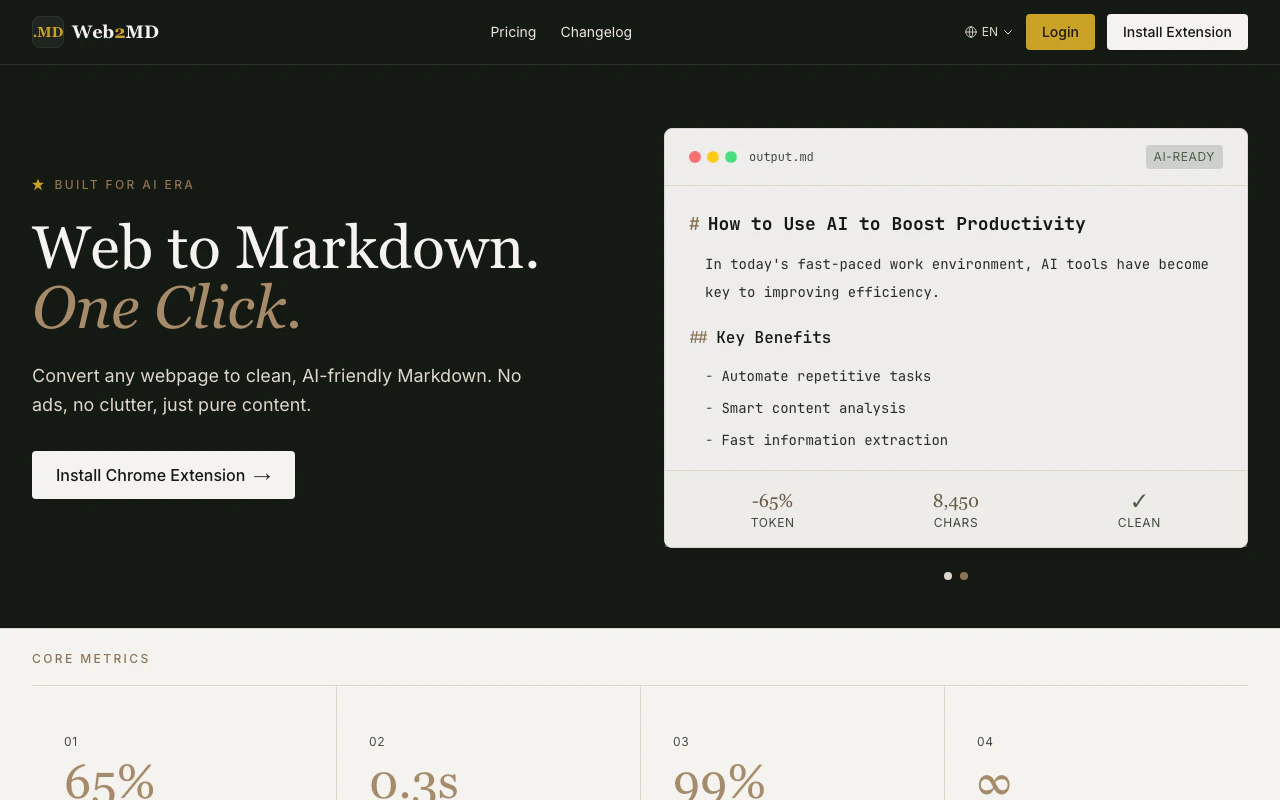
> Web2MD converts any webpage into clean, AI-ready Markdown — in one click.
## What is Web2MD?
Web2MD is a Chrome extension that converts any webpage into clean Markdown format. Whether you're feeding content to AI assistants, saving articles to Obsidian, or archiving web content — Web2MD handles the conversion so you don't have to.
 Press `Alt+M` or click the extension icon to instantly convert any page.
Choose your AI platform and template, then convert & send in one click.
Convert multiple pages, then send all to AI at once.
Every conversion auto-generates semantic tags and summary.
16 site adapters for Reddit, GitHub, YouTube, Hacker News, arXiv, Wikipedia, Medium, and more.
### More capabilities
* **AI-powered summaries and tags** — Auto-generate summaries and topic tags for every conversion (PRO)
* **Collections** — Organize saved content into collections for knowledge management (PRO)
* **Semantic search** — Find saved content by meaning, not just keywords (PRO)
* **REST API & MCP Server** — Integrate Web2MD into your developer workflows programmatically (PRO)
* **CLI tool** — `npx web2md` converts URLs from the command line. Pipe to LLMs, batch process, or save to Obsidian vaults
* **Agent Bridge** — Let AI agents (Claude Code, Cursor) batch-convert Reddit and other sites via your Chrome extension
* **Export as Image** — Save Markdown as a styled image with dark/light themes (PRO)
## See it in action
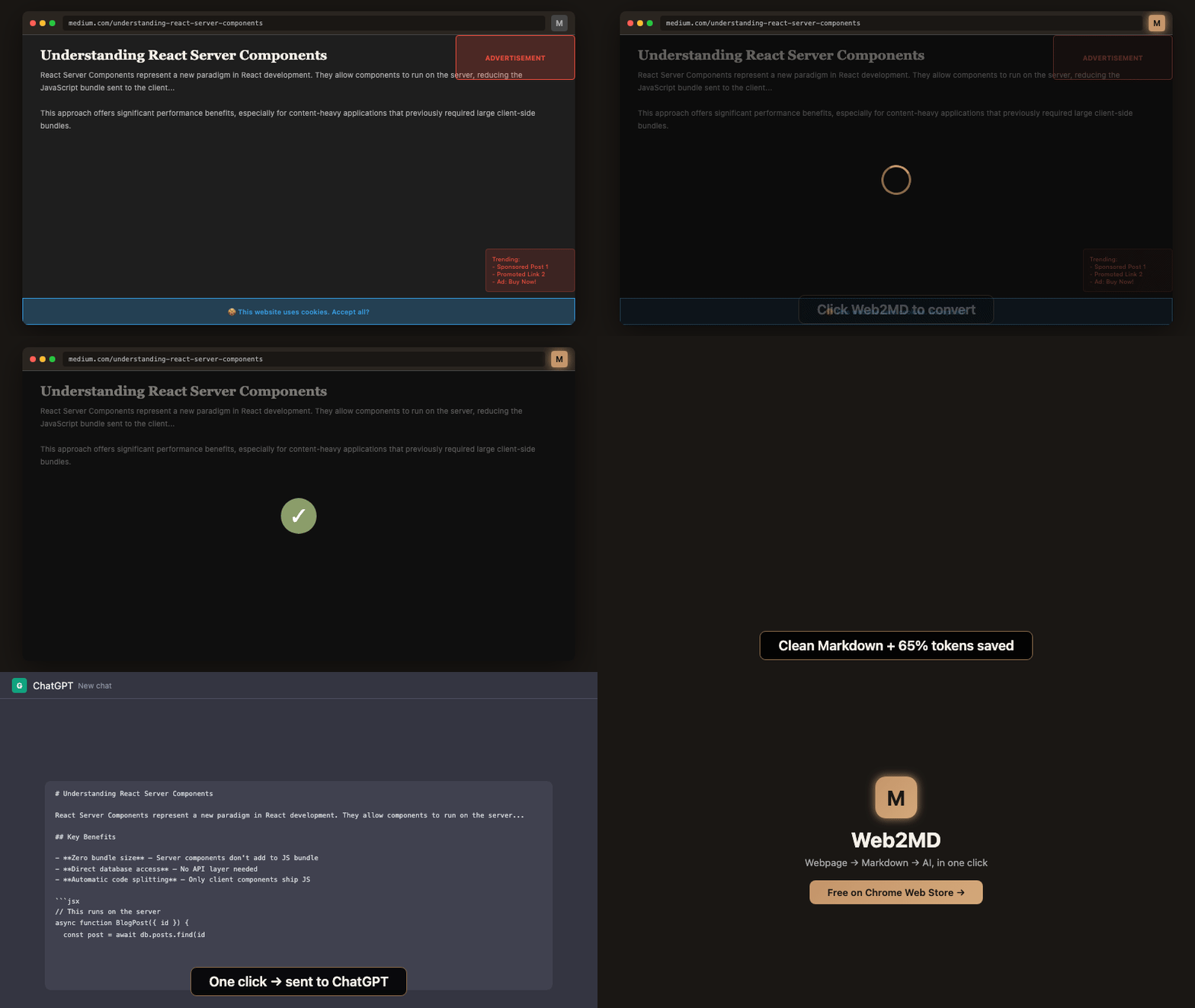
Press `Alt+M` or click the extension icon to instantly convert any page.
Choose your AI platform and template, then convert & send in one click.
Convert multiple pages, then send all to AI at once.
Every conversion auto-generates semantic tags and summary.
16 site adapters for Reddit, GitHub, YouTube, Hacker News, arXiv, Wikipedia, Medium, and more.
### More capabilities
* **AI-powered summaries and tags** — Auto-generate summaries and topic tags for every conversion (PRO)
* **Collections** — Organize saved content into collections for knowledge management (PRO)
* **Semantic search** — Find saved content by meaning, not just keywords (PRO)
* **REST API & MCP Server** — Integrate Web2MD into your developer workflows programmatically (PRO)
* **CLI tool** — `npx web2md` converts URLs from the command line. Pipe to LLMs, batch process, or save to Obsidian vaults
* **Agent Bridge** — Let AI agents (Claude Code, Cursor) batch-convert Reddit and other sites via your Chrome extension
* **Export as Image** — Save Markdown as a styled image with dark/light themes (PRO)
## See it in action
 ## Quick start
Get up and running in under a minute.
Install the extension, convert your first page, and explore key features.
## Explore features
The core conversion flow and output options.
Inject Markdown directly into AI chat interfaces.
Convert multiple pages in one go.
In-page floating card for quick actions.
Right-click to convert or send to AI.
Customize how content is sent to AI.
Optimized extraction for specific websites.
Save Markdown directly to your Obsidian vault.
Convert URLs from the command line.
AI agents control your extension.
## Quick start
Get up and running in under a minute.
Install the extension, convert your first page, and explore key features.
## Explore features
The core conversion flow and output options.
Inject Markdown directly into AI chat interfaces.
Convert multiple pages in one go.
In-page floating card for quick actions.
Right-click to convert or send to AI.
Customize how content is sent to AI.
Optimized extraction for specific websites.
Save Markdown directly to your Obsidian vault.
Convert URLs from the command line.
AI agents control your extension.