

What is Web2MD?
Web2MD is a Chrome extension that converts any webpage into clean Markdown format. Whether you’re feeding content to AI assistants, saving articles to Obsidian, or archiving web content — Web2MD handles the conversion so you don’t have to.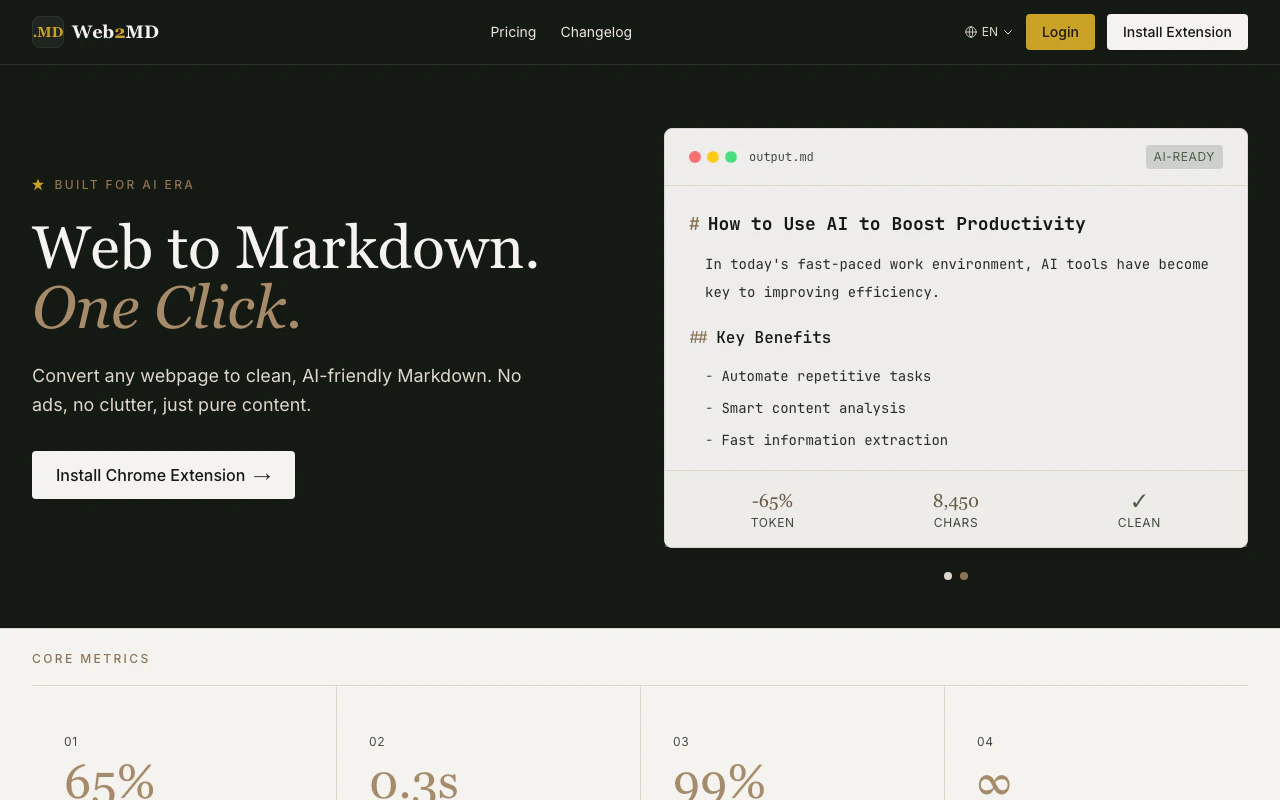
One-click conversion
Press
Alt+M or click the extension icon to instantly convert any page.Send to AI
Choose your AI platform and template, then convert & send in one click.
Multi-page queue
Convert multiple pages, then send all to AI at once.
AI Auto Tags
Every conversion auto-generates semantic tags and summary.
Smart extraction
16 site adapters for Reddit, GitHub, YouTube, Hacker News, arXiv, Wikipedia, Medium, and more.
More capabilities
- AI-powered summaries and tags — Auto-generate summaries and topic tags for every conversion (PRO)
- Collections — Organize saved content into collections for knowledge management (PRO)
- Semantic search — Find saved content by meaning, not just keywords (PRO)
- REST API & MCP Server — Integrate Web2MD into your developer workflows programmatically (PRO)
- CLI tool —
npx web2md-cliconverts URLs from the command line. Pipe to LLMs, batch process, or save to Obsidian vaults - Agent Bridge — Let AI agents (Claude Code, Cursor) batch-convert Reddit and other sites via your Chrome extension
- Export as Image — Save Markdown as a styled image with dark/light themes (PRO)
See it in action
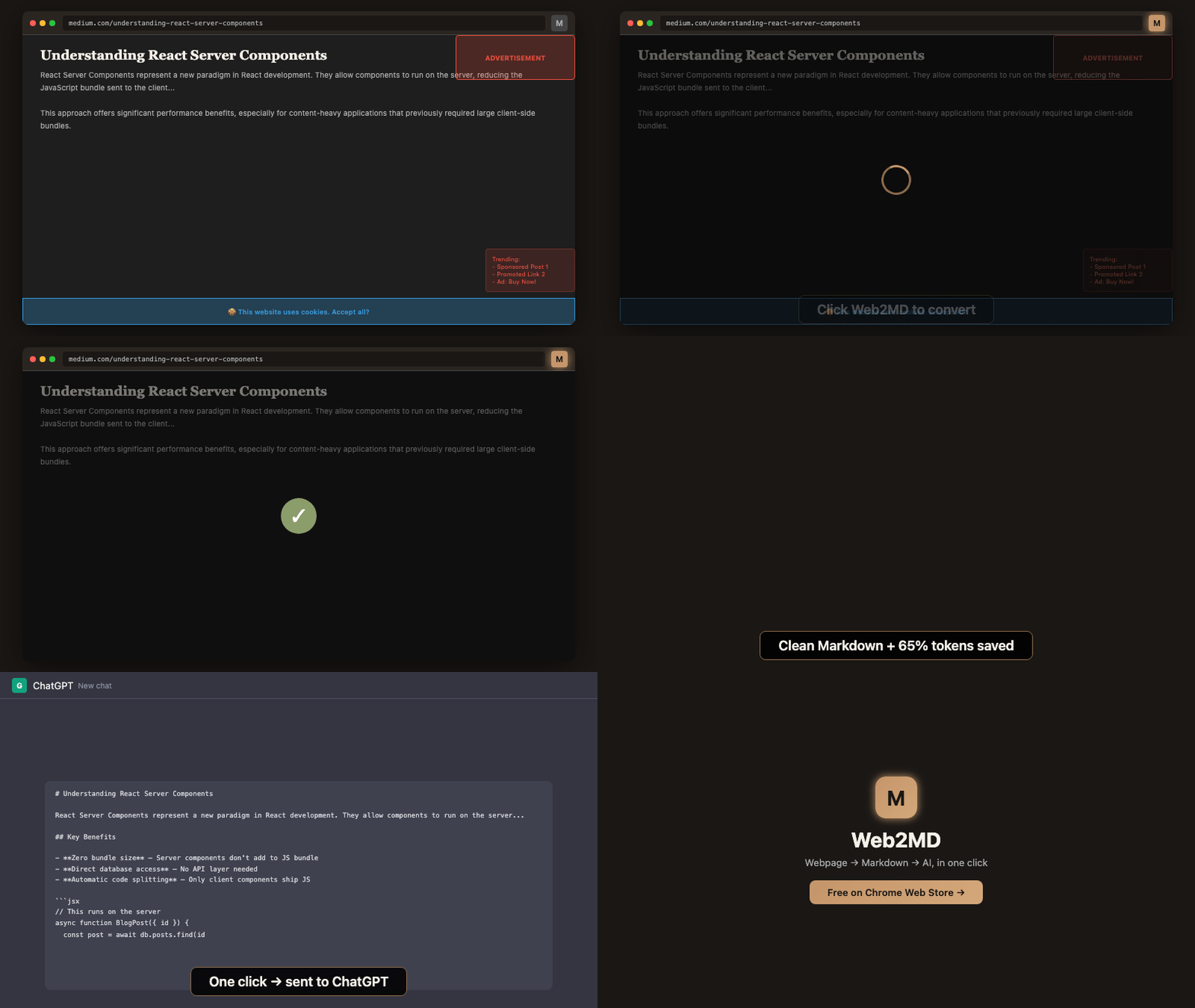
Quick start
Get up and running in under a minute.Install & first conversion
Install the extension, convert your first page, and explore key features.
Explore features
Convert pages
The core conversion flow and output options.
Send to AI
Inject Markdown directly into AI chat interfaces.
Batch convert
Convert multiple pages in one go.
Preview card
In-page floating card for quick actions.
Context menu
Right-click to convert or send to AI.
Prompt templates
Customize how content is sent to AI.
Site adapters
Optimized extraction for specific websites.
Obsidian integration
Save Markdown directly to your Obsidian vault.
CLI
Convert URLs from the command line.
Agent Bridge
AI agents control your extension.