

Overview
While Web2MD works on any webpage, certain sites benefit from specialized extraction logic. Web2MD includes 16 platform-specific extractors that use each platform’s API or DOM structure to produce better Markdown output than generic extraction.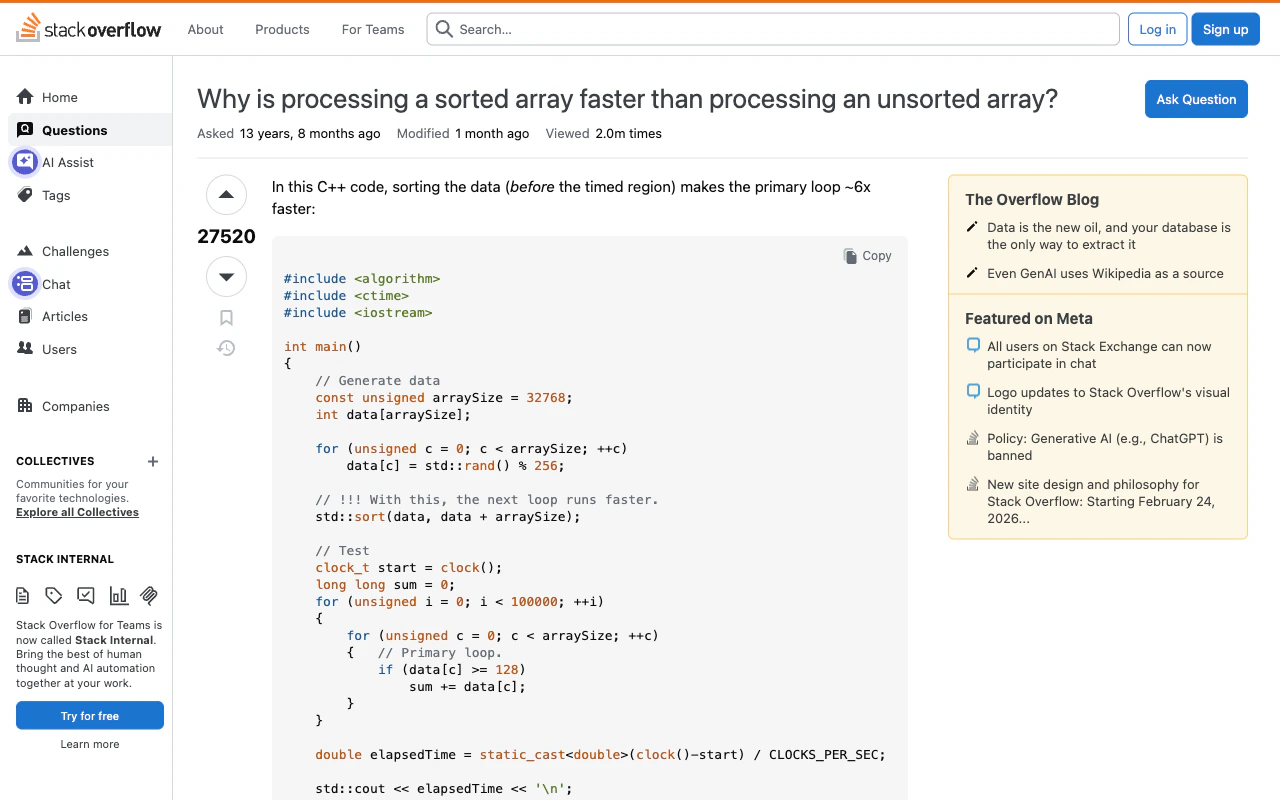
Supported sites
API-based (no tab needed)
These extractors fetch data directly via the platform’s API, so they work even without an active browser tab.- Post title, author, subreddit, and score
- Self-text or link content
- Up to 200 comments with 4 levels of nesting, including author and score
- Image and media links
/.json) for reliable extraction.
Hacker News
Extracts full discussion threads via Algolia API:- Post title, URL, points, and comment count
- All comments with author and nesting
arXiv
Extracts research papers:- Paper title, authors, and abstract
- Full HTML content for research papers
YouTube
Extracts video metadata:- Video title and channel name
- Duration and view count
- English subtitles/captions (when available)
Twitter / X
Extracts tweet content:- Tweet text and media
- Author info and engagement metrics
DOM-based (requires browser tab)
These extractors parse the page DOM inside the active tab for structured content.OpenAI Docs
Extracts documentation pages from OpenAI’s documentation site:- Code blocks and API references
- Structured navigation and content hierarchy
Claude Chat
Extracts conversation content from the Claude.ai chat interface.Notion
Extracts content from public and logged-in Notion pages (notion.so, notion.site):- Dual extraction: block-level DOM parsing (
data-block-id) with container fallback - Headings, text, code blocks, lists, toggles, callouts, quotes
- Images, tables, bookmarks, and embeds
Feishu / Lark
Extracts content from Feishu Docx and Wiki pages (feishu.cn, larksuite.com):- Dual extraction: PageMain block model with DOM fallback
- Headings, text, code blocks, lists, tables, images
- Callouts and checkboxes
Medium
Extracts article content from Medium’s DOM:- Author, publication date, and reading time
- Full article content
Substack
Extracts newsletter posts:- Author, date, and full article content
Wikipedia
Extracts article content:- Sections, tables, and references
- Removes navigation and sidebar clutter
DEV.to
Extracts developer blog posts:- Tags, reactions, and comments
Product Hunt
Extracts product pages:- Product descriptions and maker info
- Discussion threads
Stack Overflow
Extracts Q&A content:- Question title, body, tags, and vote count
- Accepted answer (highlighted)
- Top answers with vote counts
GitHub
Extracts Issues and Pull Requests including:- Title, status (open/closed/merged), and labels
- Original description/body
- Up to 30 comments with author info
How adapters work
When you convert a page, Web2MD automatically:- Detects the site from the URL
- Selects the best adapter if one exists
- Extracts content using the site-specific method
- Falls back to generic extraction if the adapter fails
Site adapters are available to all users (Free and Pro). They run before the main conversion pipeline, so they work regardless of your plan.